G v2 Is Here: Faster, More Expressive AI Speech with Audio Tags

We're upgrading G v1 to G v2 — and it's our biggest leap in AI speech quality yet. G v2 is powered by Google's brand-new Gemini 3.1 Flash TTS model, replacing the Gemini 2.5 Flash and Pro engines behind the original release. The result: more natural, more expressive speech, dramatically wider language coverage, and a new way to direct delivery word-by-word.
Best of all, nothing changes in how you work. Switch to G v2 in the provider toggle, pick a voice, and generate — your existing credits work exactly as before.
What's New in G v2
A Single, Better Model
G v1 ran on two tiers — a faster Flash model and a higher-quality Pro model. G v2 consolidates everything onto Gemini 3.1 Flash TTS, a purpose-built speech engine that delivers Pro-level quality at Flash-level speed. On the independent Artificial Analysis TTS leaderboard — which captures thousands of blind human listening preferences — it ranks among the most natural-sounding models available. One model, low latency, top-tier output.
Audio Tags for Word-Level Control
This is the headline feature. Alongside the plain-English speaking instructions you already know, G v2 understands inline audio tags — bracketed cues you drop directly into your text to steer delivery mid-sentence:
Welcome back! [excited] You won't believe what happened next. [whispers] It was completely silent... [laughs]
Tags cover emotion ([excited], [curious], [frustrated]), pacing ([slow], [fast], [long pause]), and non-verbal sounds ([laughs], [sighs], [whispers]). There's no fixed list — the model does its best to interpret whatever you put in the brackets, so you can be as creative as your script demands.
70+ Languages
G v2 supports 70+ languages and regional variants — nearly triple G v1's coverage. It even handles code-switching within a single passage and phonetic guides for tricky technical terms, so multilingual and mixed-language content sounds right without manual stitching.
Better Multi-Speaker Dialogue
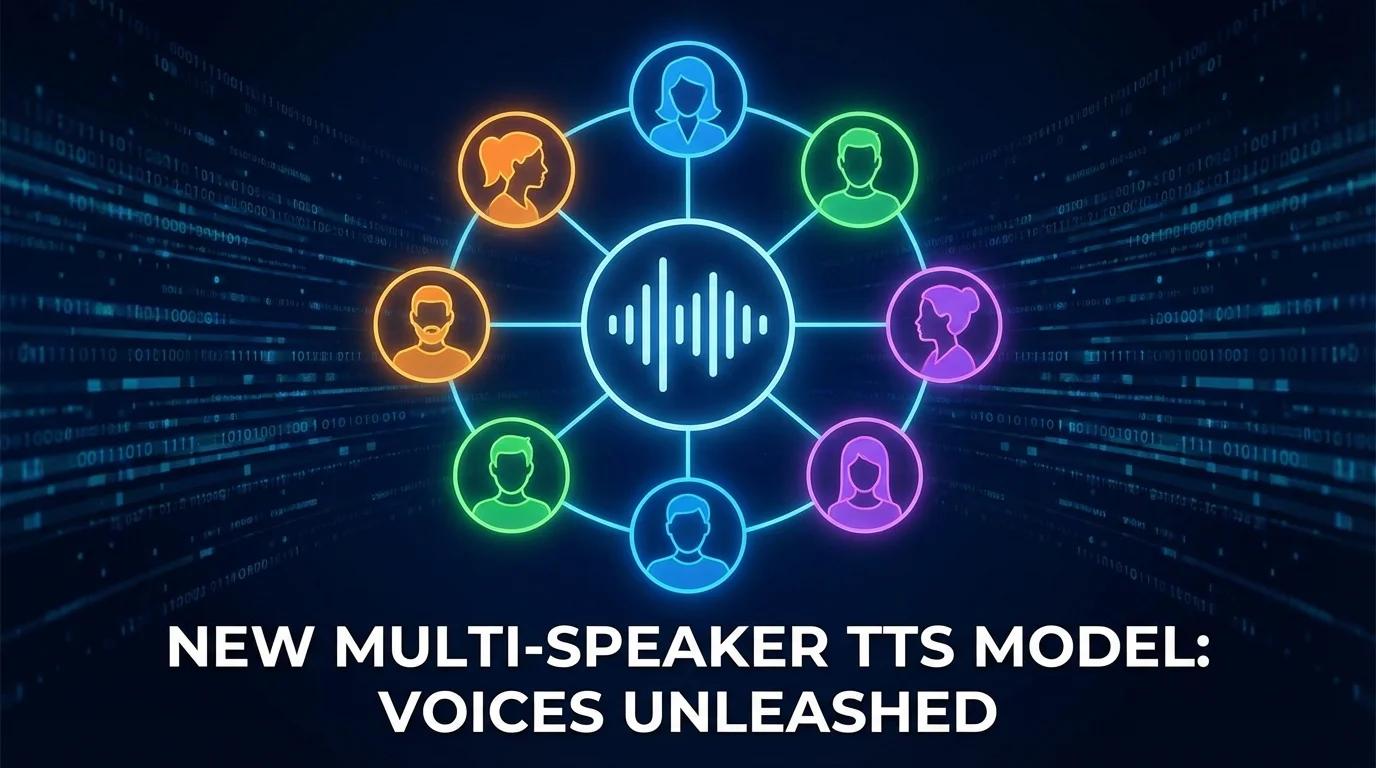
Multi-speaker mode is still here and better than ever. Assign distinct voices to each speaker and generate a natural two-person conversation in a single pass — perfect for podcasts, interviews, and stories. G v2 keeps each character's voice consistent and handles turn-taking more naturally than before.
How to Use G v2
- Switch to G v2 — Click the G v2 button in the provider toggle (next to AZ v1) in the right panel.
- Choose your mode — Single Speaker for narration, Multi Speaker for dialogue.
- Pick a voice — Browse, search by name or style, and select. In multi-speaker mode, assign a voice per speaker.
- Add direction (optional) — Write a plain-English speaking instruction, drop in inline audio tags, or both.
- Generate — Your audio is ready in seconds.
Pricing Stays the Same
G v2 uses your existing credit balance at 2 credits per character — no change from G v1. Free accounts include 10,000 monthly credits, and your credits work across both G v2 and AZ v1, so you can mix engines per project.
G v2 vs. AZ v1: When to Use Which
Both engines remain fully available:
- Choose G v2 for natural, expressive narration, multi-speaker dialogue, word-level control with audio tags, or broad multilingual coverage.
- Choose AZ v1 when you need 500+ voices or SSML-level control.
Get Started
G v2 is live now for all registered users. Head to simpleTTS.ai Studio, switch to G v2, and try the new audio tags for yourself. Your existing credits work right away.
We can't wait to hear what you create.